
SpinGreen Registration, Login and Verification
Create a SpinGreen account and get access to casino slots, Live Casino tables, and sports betting markets. Registration takes minutes on the website or the SpinGreen app. Verification protects your account and enables secure withdrawals. Claim a welcome package worth up to AUD 4,000 in bonus funds plus 450 free spins across your first four deposits. Register today.
Welcome Package AUD 4,000 + 450 Free Spins
1st Deposit Bonus – 50 Free Spins, No Wagering; 2nd Deposit Bonus – 150% up to AUD 2,000 + 100 Free Spins; 3rd Deposit Bonus – 100 Free Spins, No Wagering; 4th Deposit Bonus – 100% up to AUD 2,000 + 200 Free Spins
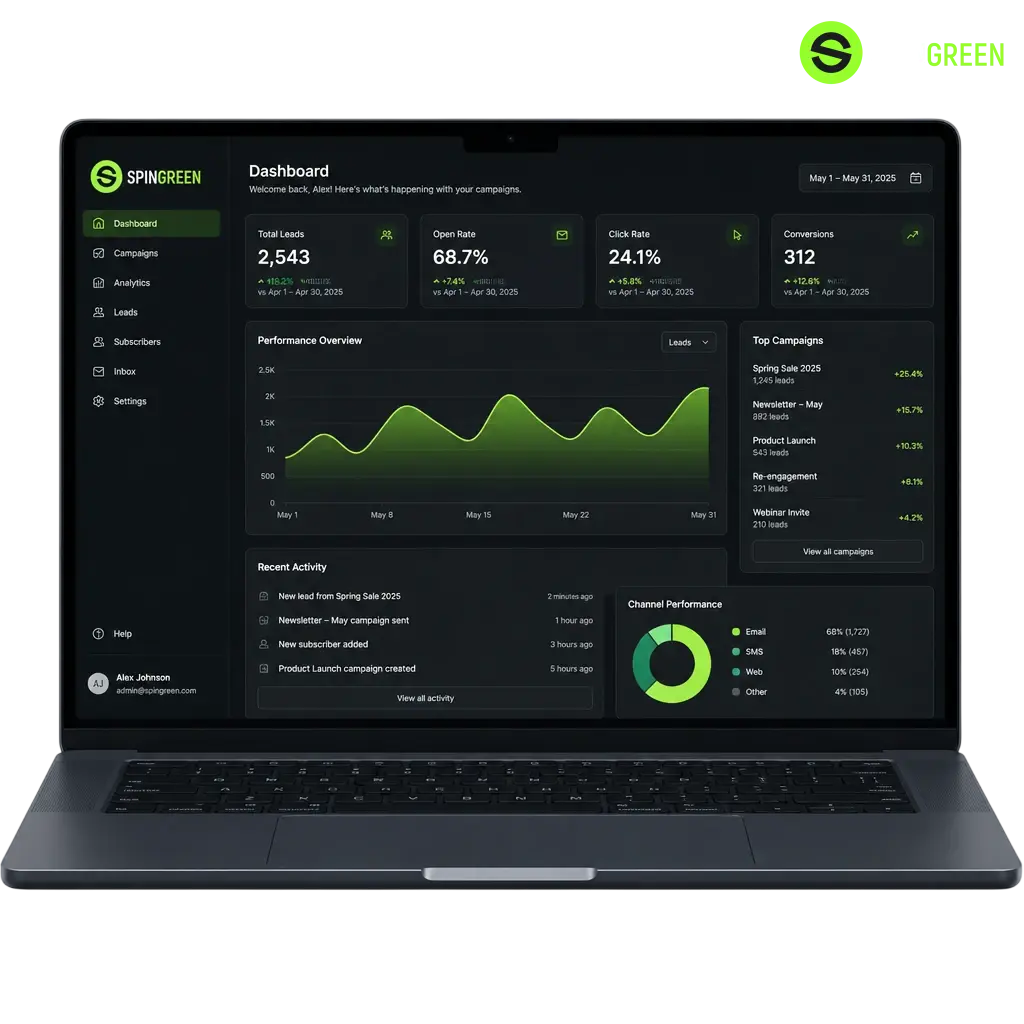
Registration Methods at SpinGreen
You can choose from several registration methods at SpinGreen depending on your device and preference. Options include phone sign up, email registration, a one click option, and social login. Available methods may vary based on your location and the platform you use.
SpinGreen Email Registration
You can open a SpinGreen account using your email address. This method requires your personal details and a confirmation link sent to your inbox. Follow the instructions below.
- Open the registration form and select email sign up.
- Enter your email address and create a password for your account.
- Select AUD as your currency, confirm you are 18 years or older, and accept the terms and conditions.
- Confirm your email by selecting the verification link sent to your inbox.
SpinGreen Registration via Mobile App
You can register for SpinGreen through the mobile app on your phone or tablet. The app gives you the same registration options available on the website.
- Download the SpinGreen app from the website and install it on your device.
- Open the app and select Registration.
- Choose email or phone sign up, enter your details, and select AUD as your currency.
- Confirm your account with the SMS code or email link and accept the terms and conditions.

SpinGreen Registration Requirements
SpinGreen accepts players aged 18 and over from Australia. Each user may hold one account only. You must provide accurate personal details during sign up, since mismatched information can delay withdrawals. Document verification applies to every account before the first cashout.
- Minimum age of 18 years applies to every registered player;
- One account per person, household, and payment method;
- Accurate personal details, including full name, date of birth, and address;
- Valid photo identification required for account verification;
- Residency in Australia confirmed through your provided address.
SpinGreen Account Verification
Verification confirms your identity and protects your account from unauthorised access. Verified players process withdrawals without delay.
- Submit identification by uploading a valid passport or driver licence.
- Confirm your address with a recent utility bill or bank statement.
- Verify your payment method by confirming the card or e-wallet used for deposits.
- Wait for review while the SpinGreen team checks your documents.
- Receive confirmation by email once your account is verified.
SpinGreen Login and Account Access
Existing players log in to their SpinGreen account to reach casino games, Live Casino tables, and sports markets. Sign in takes seconds with your registered credentials.
- Click the Log In button below to open the login form.
- Enter your registered email address or mobile number and password, or sign in with your linked Google account.
- Select Log In to reach your account.
Welcome Bonus After SpinGreen Registration
New players claim a welcome package across their first four deposits. The table below shows the confirmed terms for each offer.
| Bonus Type | Amount | Minimum Deposit | Wagering Requirement |
|---|---|---|---|
| 1st Deposit Bonus | 50 Free Spins | – | No wagering |
| 2nd Deposit Bonus | 150% up to AUD 2,000 + 100 Free Spins | – | – |
| 3rd Deposit Bonus | 100 Free Spins | – | No wagering |
| 4th Deposit Bonus | 100% up to AUD 2,000 + 200 Free Spins | – | – |
Claim Your SpinGreen Welcome Bonus
You claim the welcome package after opening and verifying your account. Follow the steps below for each deposit.
- Register an account and verify your email or mobile number.
- Make your first deposit in AUD to receive 50 free spins with no wagering.
- Make your second deposit to receive a 150% match up to AUD 2,000 plus 100 free spins.
- Repeat with your third and fourth deposits to claim the remaining free spins and match bonus.
SpinGreen Account Password Recovery
You can reset your password directly on the website if you lose access to your account. The process takes a few minutes.
- Open the reset form: select Forgot Password on the login screen;
- Confirm your identity: enter your registered email address or mobile number;
- Check your inbox: open the reset link or code sent to you;
- Set a new password: enter and confirm your new password to regain access.
FAQ
How long does SpinGreen account verification take?
Processing times depend on document quality and the volume of submissions. Submit clear copies of your identification and address proof to avoid delays.
Can I use the same login for the SpinGreen website and app?
Yes. Your registered email address or mobile number and password work on both the website and the mobile app.
What happens if my verification documents are rejected?
Resubmit clear, valid documents that match your account details, such as a passport or driver licence and a recent utility bill.
Can I register more than one SpinGreen account?
No. SpinGreen allows one account per player, household, and payment method, in line with the registration requirements outlined above.
Updated:
Social Login at SpinGreen
You can also access your account using a linked Google account. This option reduces the number of fields you fill in during sign up.